Introduction & Installation of Python ✔

Hey guyss !!!!! this is the starting of python learning series, if you don’t know how to write a code then join my blog and learn with fun .
What is Programming ?
if you don't know waht programming is then just remember, its a way to communicate with the computer or give the task to computer. Just like we use hindi or english to communicate with each other, we use a programming language like python to communicate with the computer.
programming is a way to instruct the computer to perform various tasks.
What is python?
Python is a simple and easy to understand language which feels like reading simple English. This pseudo code nature of python makes it easy to learn and understandable by Beginners
Features ?
Easy to understand= less development time
Free and open source
High level language
Portable - works on Linux, window,mac
Fun to work with (added by me😉)
Installation ?
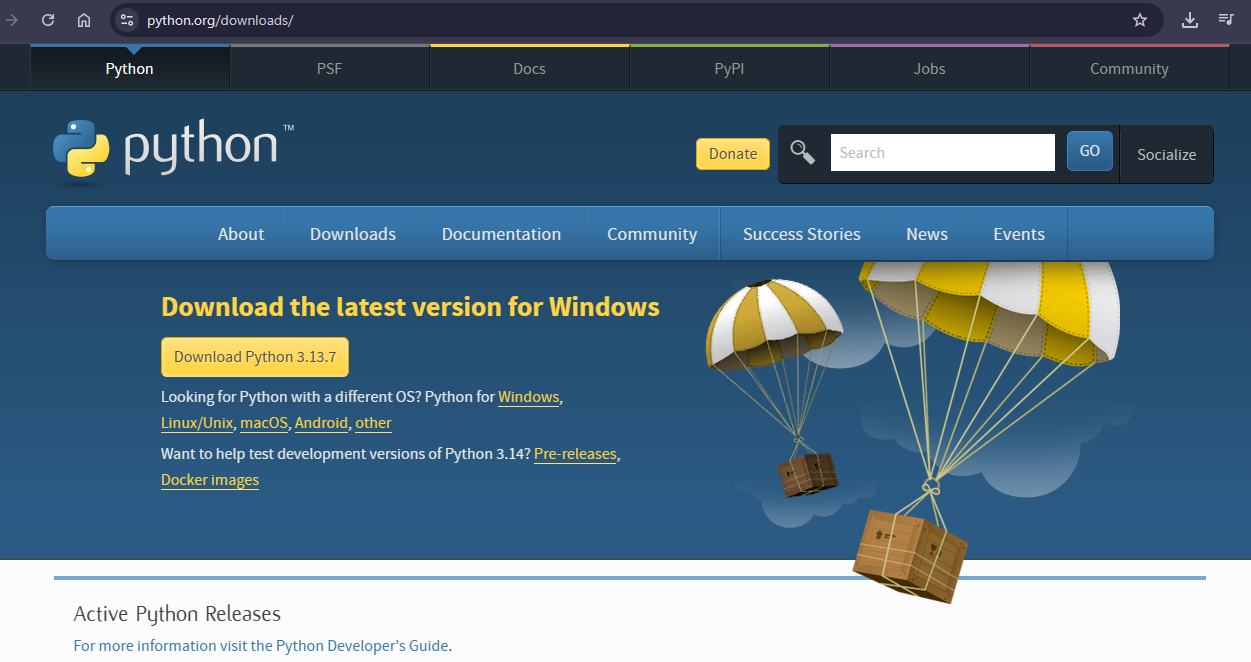
Python can be easily installed from python.org when you click on the download button, python can be installed right after you complete setup by executing the file for your platform.
INSTALL IT JUST LIKE A GAME 😀
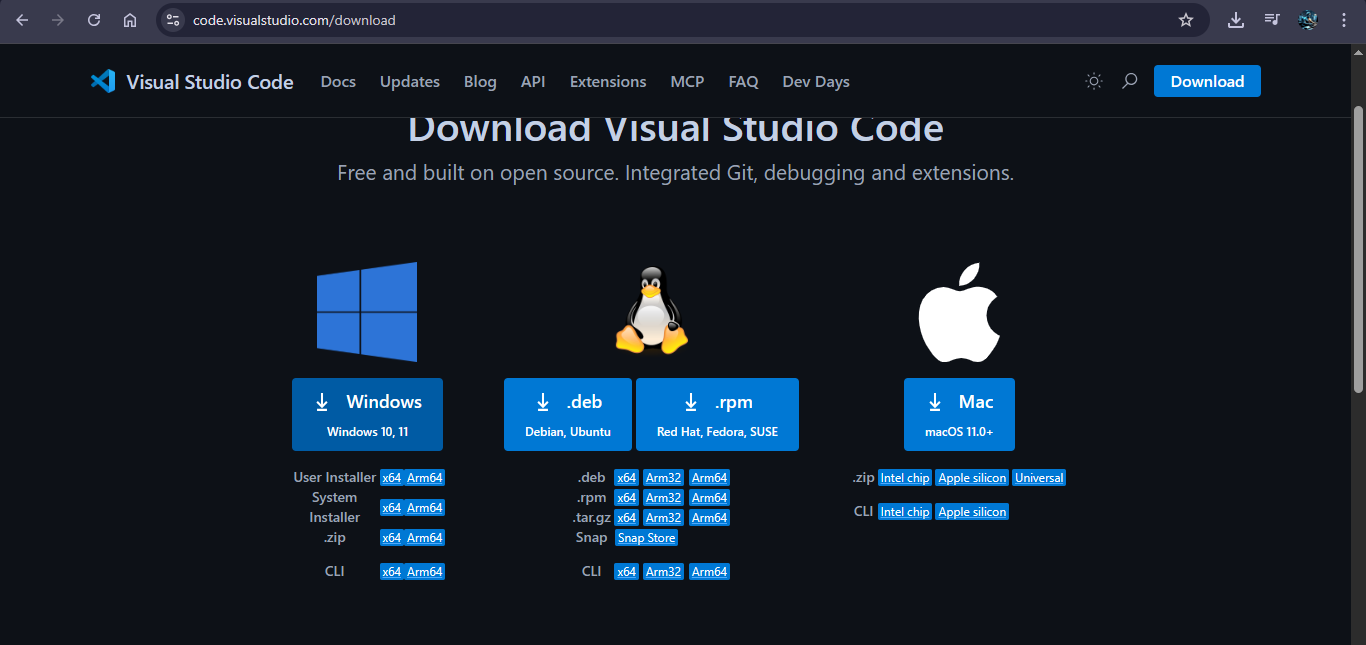
You also need to install vscode .
Now you think what is vs code ?, vscode is nothing but a platform in which you perform programs of python.
After the python installation check python is installed properly or not.
Open your windows powershell / cmd
Then type “ Python - - version “
python --version

exit()
- It shows you the version of python you installed.
Now download Vs code, search vscode install and download.
Just like that in a few simple steps you can able to install python in simple way .
ITS THE END OF MY BLOG , NOW IN THE NEXT BLOG WE'LL BE WRITTING OUR FIRST PYTHON PROGRAM.
STAY TUNED!!!!!😎😎
